Master Data Improvement (MDI) App Installation
To install the MDI application, follow the guide below.
[Optional] Prerequisites
As of version 2.0.0, the dependency to the IM Starter Kit app has been removed from MDI. With this version, MDI comes with its own self-contained knowledge model.
It is still possible to use the IM Starter Kit's Master Knowledge Model as a single point of truth for all Inventory Management KPIs. If you want to leverage this in your implementation, follow the relevant steps as outlined here.
If you want to learn more about the IM Starter Kit, check out Inventory Management Starter Kit
Procedure
To install the IMCC app:
From Marketplace, search for IM Master Data Improvement .
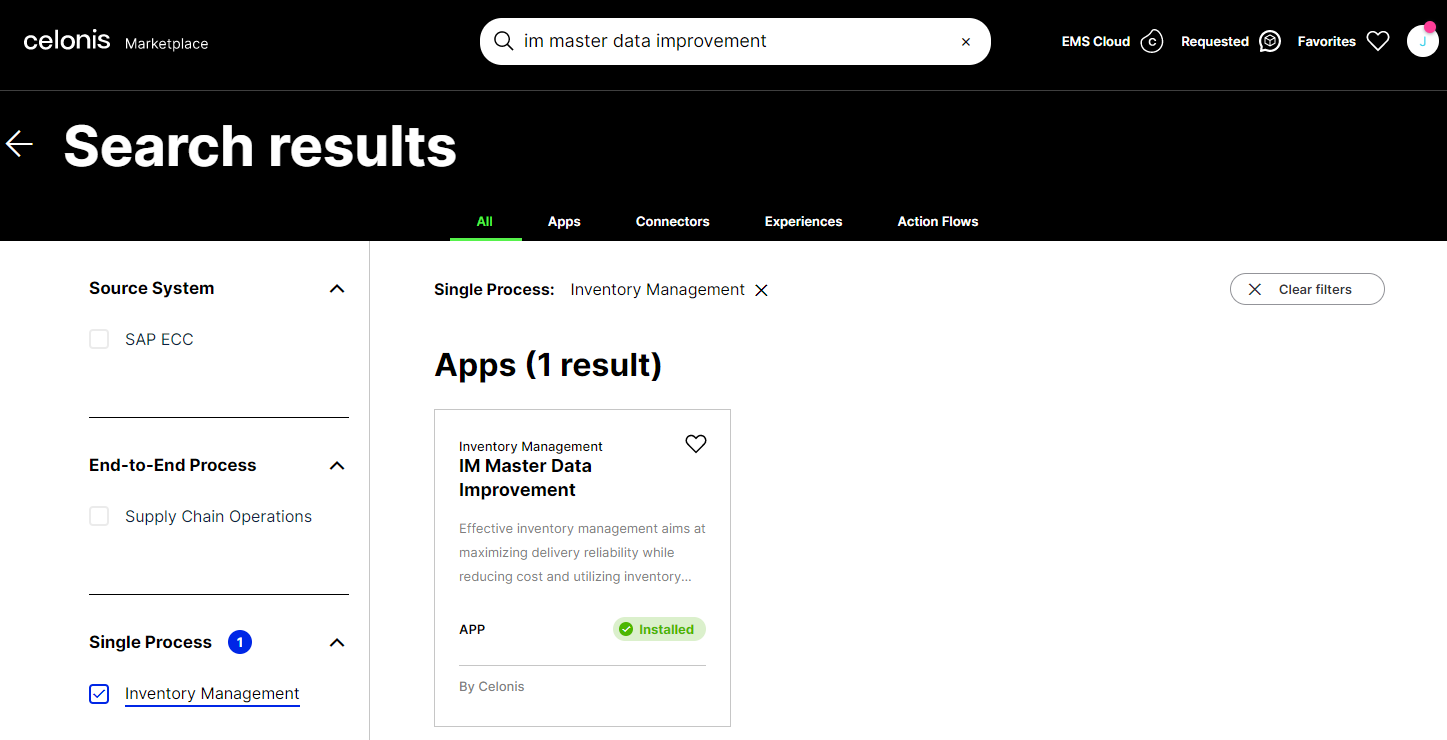
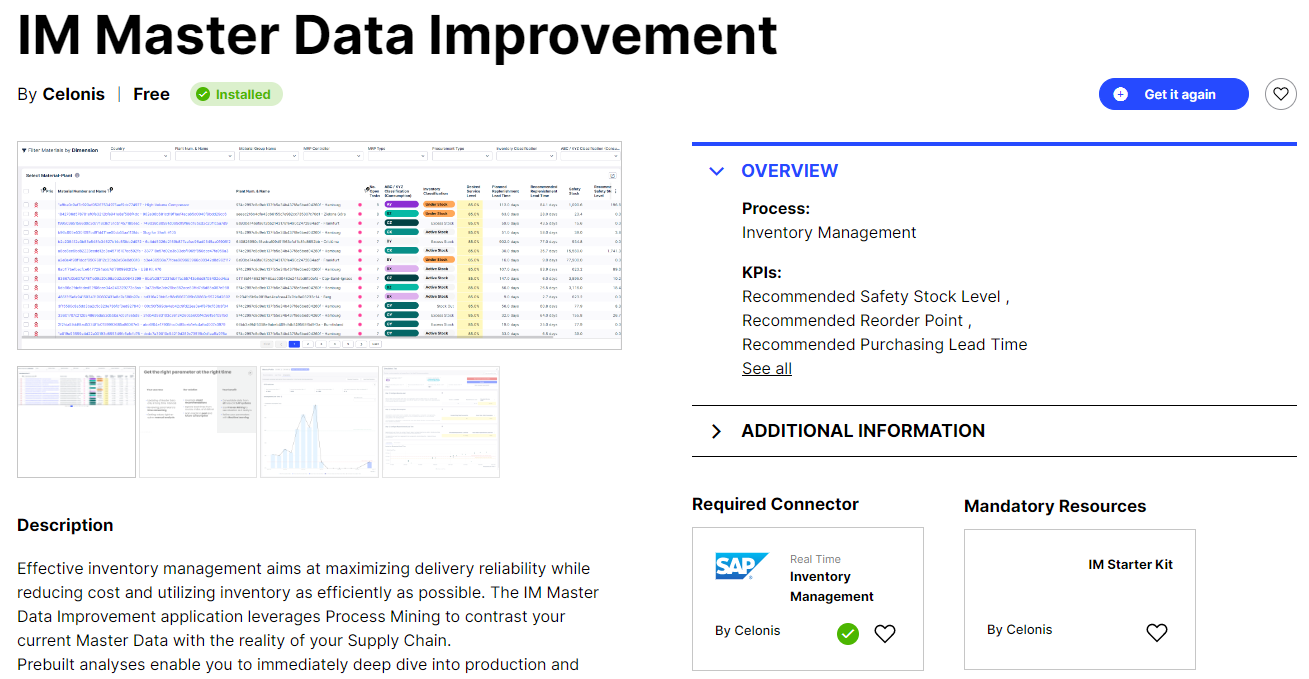
Select the app tile and click Get it now.
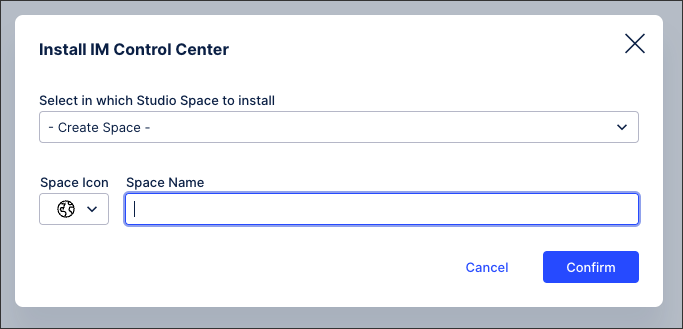
Either select an existing Studio Space or enter a Space Name to choose where to install the application.
The app is installed in your chosen studio space.
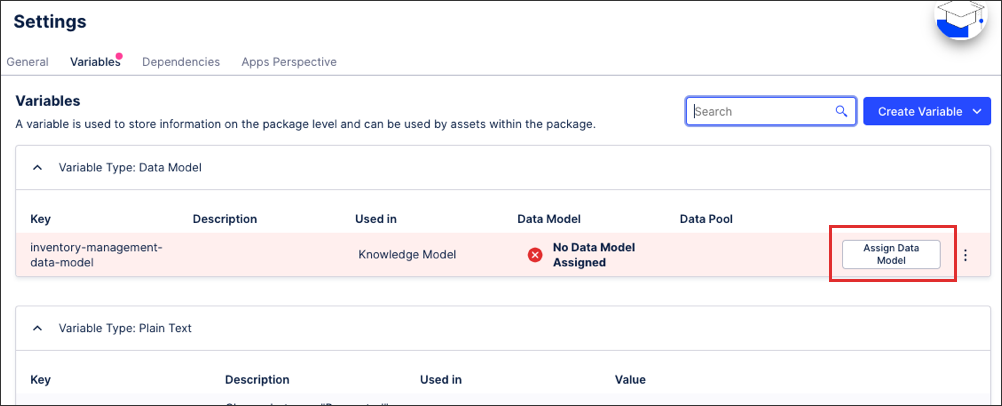
To update the data model variable to your team, click Assign Data Model and then Save. This variable is referenced inside the Knowledge Model (KM), connecting the PQL queries from the KM to the data model.