Generate Admin Auth token
For certain services and apps, an authentication token is necessary to integrate with Process Designer. As an administrator, you can generate this token yourself in the Admin area.
Before you begin, ensure you have completed the following steps or meet the requirements listed below:
Have the Admin role in Process Designer.
To generate an authentication token:
Log into Process Designer. Select the gear icon from the top-right navigation.
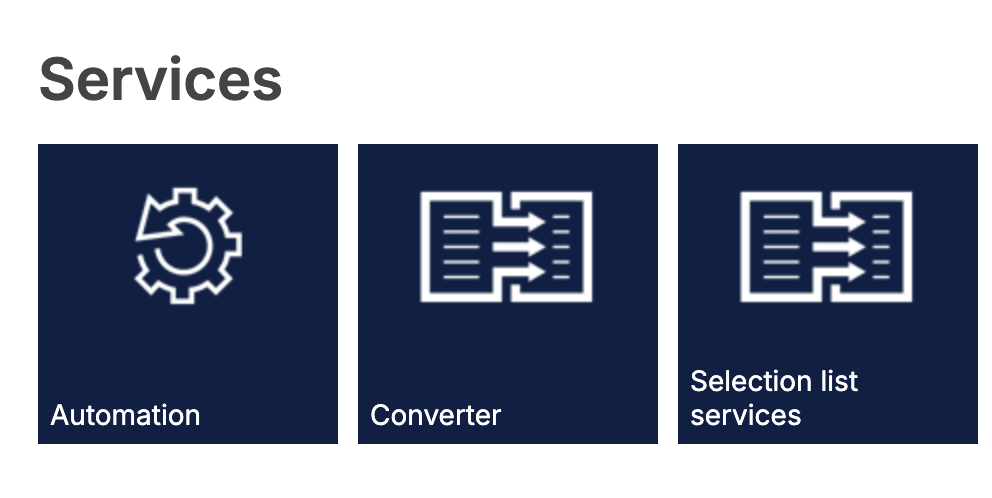
In the Administration area, under Services, click the Automation tile.
From the list, find "data, Rest-API endpoint" and create a new authentication token.
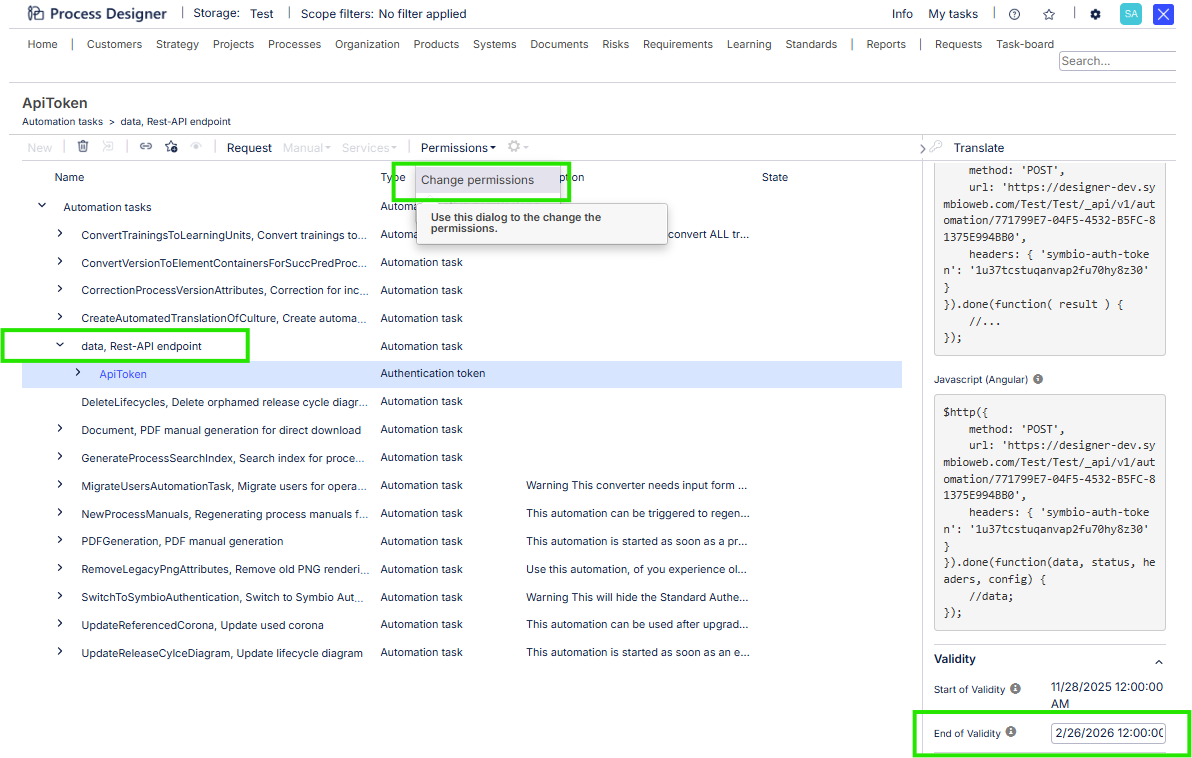
Make sure “End of Validity” and “Permissions” are set correctly (usually they need to be set as “Administrator”)