Sharing forms in Orchestration Engine
Easily share your Orchestration Engine forms with external users using a magic link.
To share forms , you must generate a shareable link using a dedicated Action Flow module called Create Public Form Link.
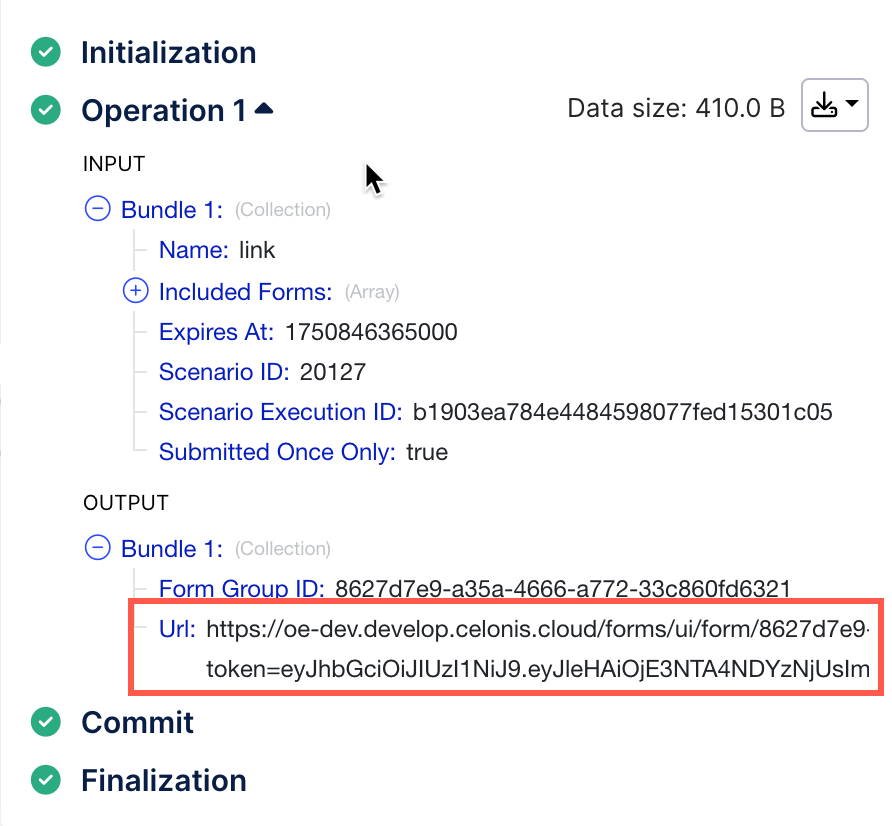
This module lets you create either a public link accessible to anyone or a restricted link for specific users. Once you run the Create Public Form Link module, your new link will be available in the output. For detailed information on how to configure this module, see Create Public Form Link.
If you defined assignees when creating the link, they must use the email address provided in the Action Flow module to access the form. Once they log in, they will receive an official message containing a direct link to the form.