Agent Tools (formerly MCP Server Asset)
The Celonis Agent Tools asset in Studio uses the Model Context Protocol (MCP) to provide a standardized way for AI agents to leverage Process Intelligence capabilities. This asset delivers a growing set of ready-to-use tools that AI agents can use to:
Search for relevant information from your Celonis data models and knowledge bases
Get real-time process context including KPIs, metrics, and process insights
Trigger actions in external systems based on process intelligence
Write back decisions to Celonis to create feedback loops and improve process execution
Delivered securely via the MCP, the Agent Tools toolkit can be used to build sophisticated agents that leverage Process Intelligence within any MCP-compatible client, such as Claude Desktop, Postman, or custom applications.
For more information, refer to the Celonis Developer Center.
Additional Agent Tools functionality
In addition to the features listed above and described in the Developer Center, the Agent Tools asset can also be used on the Celonis Platform to perform searches on embedded Knowledge Models or to create OpenAPI specifications that can be used to connect your Studio assets to external applications.
Search Data tool
When creating your Agent Tools assets, adding the Search Data tool allows you to use this asset to perform a search on embedded Knowledge Models to find relevant KM items based on your search terms.
Note
The Search Data tool is only available if embedded models have been enabled in your AI Settings.
Create OpenAPI Specifications
The Agent Tools offers multiple methods for exposing the tools to external applications - using the direct URL or via OpenAPI specifications.
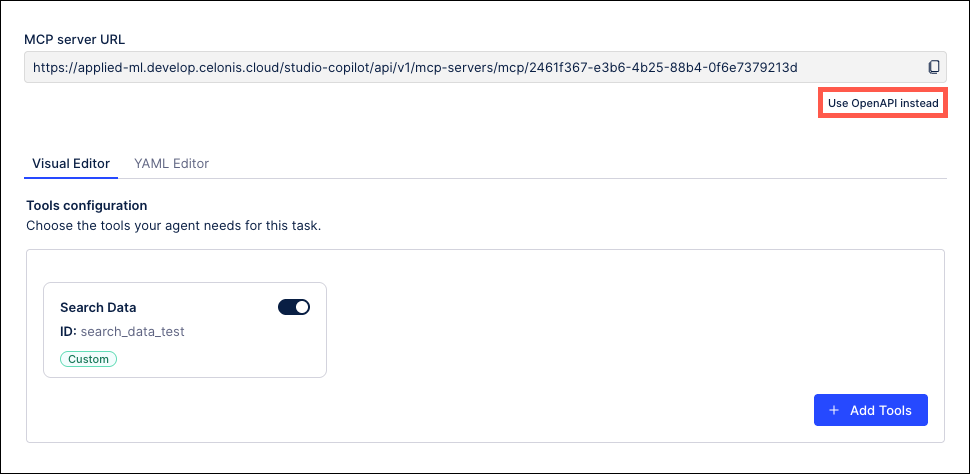
To use the MCP Server URL, click the Copy icon on the right side of the field and then paste the URL for this specific asset into your third party application.
To use the OpenAPI specifications, click the Use OpenAPI instead link below the URL.
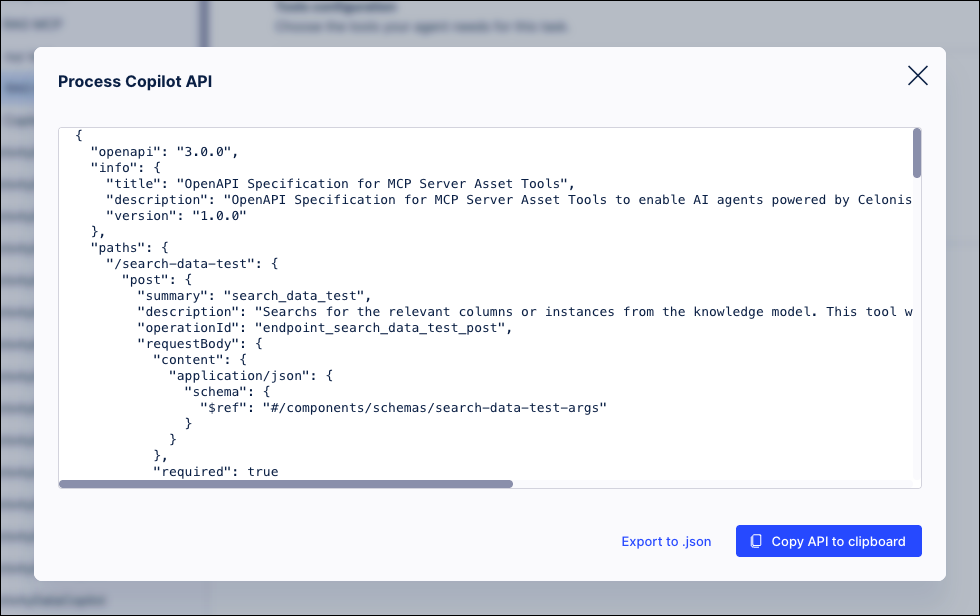
The Agent Tools will generate the OpenAPI specification code for connecting to the tools in this asset. You can then copy the API code to paste into a third party application or click the Export to .json link to download the specifications file and import it into the external application.