Tracking Celonis Computer Unit (CCU) usage
Celonis Compute Units (CCUs) are a standardized metric used to quantify the compute capacity required on the Celonis Platform when using the ETL Engine.
When monitoring and tracking your CCU usage, the following details apply:
Monthly reset: Your allocation resets automatically at the start of each billing month.
No rollover: Unused units expire at the end of each month and do not carry over.
If the monthly CCU entitlement is exceeded: All data processing activities, including data extractions, transformations, and model loads, execute on a best-effort basis. This means ETL tasks may experience reduced priority and slower completion times until the automatic monthly CCU reset.
To learn more about these metrics, see our terms and conditions: Celonis - Terms and Conditions - Services.
Tracking CCU usage for your team
To track the CCU usage for your Celonis Platform team:
Click Data - Data Integration.
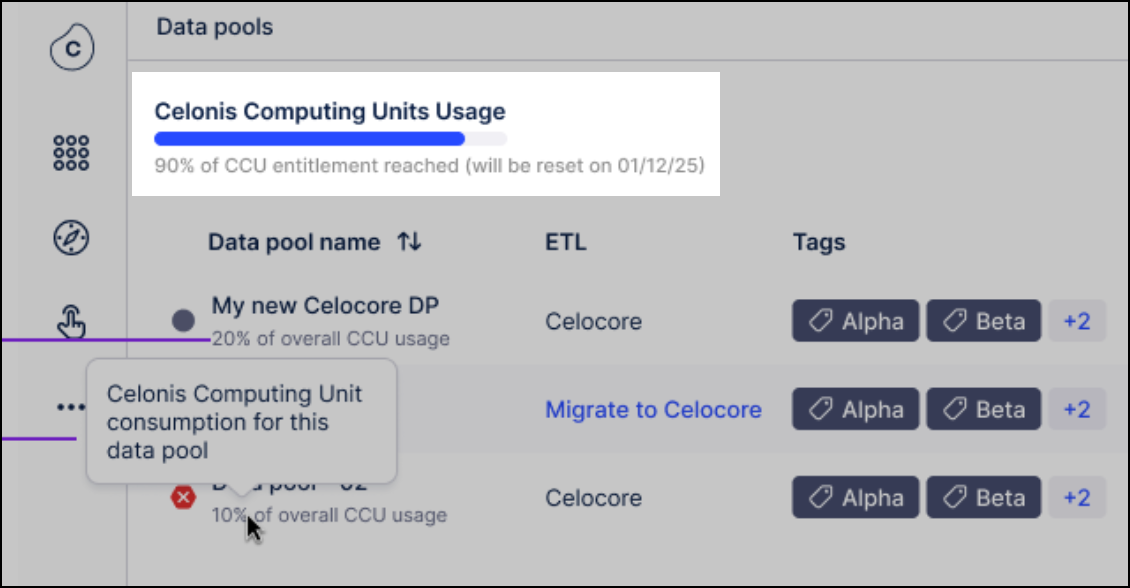
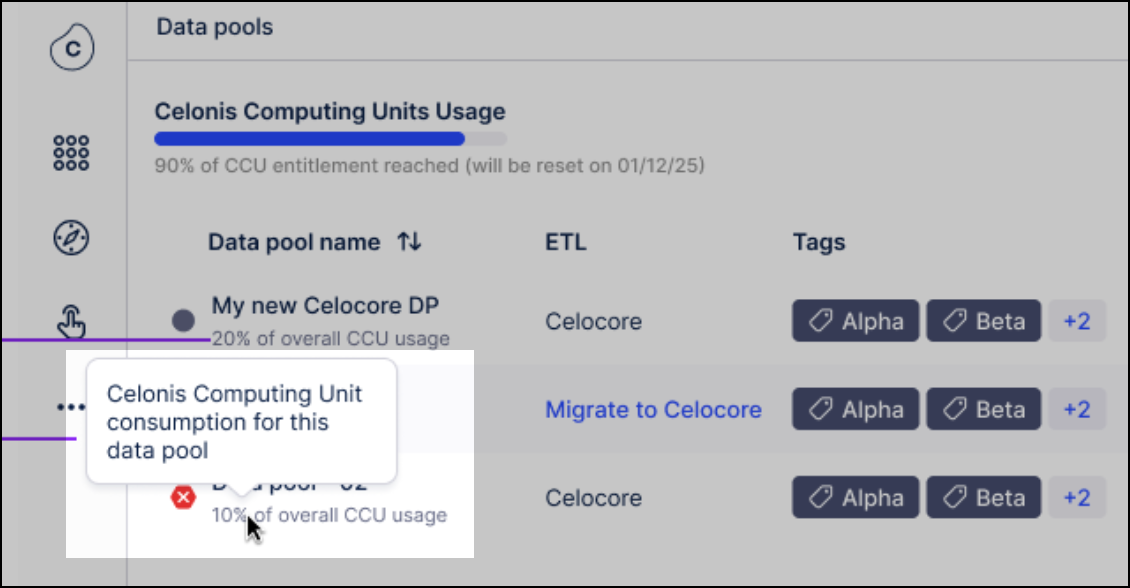
From the data pool overview page, check your Celonis Platform team CCU usage and your usage per data pool:
Overall team usage: This is displayed as an overall percentage of entitlement used in this period.
Data pool usage: This is displayed as the percentage of the overall entitlement that the data pool has used in this period.
If your CCU usage exceed your current license, contact your Celonis Platform administrator.