Action Flow blueprints
Action Flow blueprints are reusable templates you can use as stand-alone automation workflows or use to fill out part of your own custom automation setup.
Based on their scope, we distinguish the following types of Action Flow blueprints:
Action Flow snippets - these are small and highly reusable pieces of workflow that you can drop into an existing Action Flow. Snippets are also perfect for starting your automation. An example of such automation could be a snippet that monitors a document and sends updates about any changes to the team over Slack. For more snippets, see Action Flow snippets.
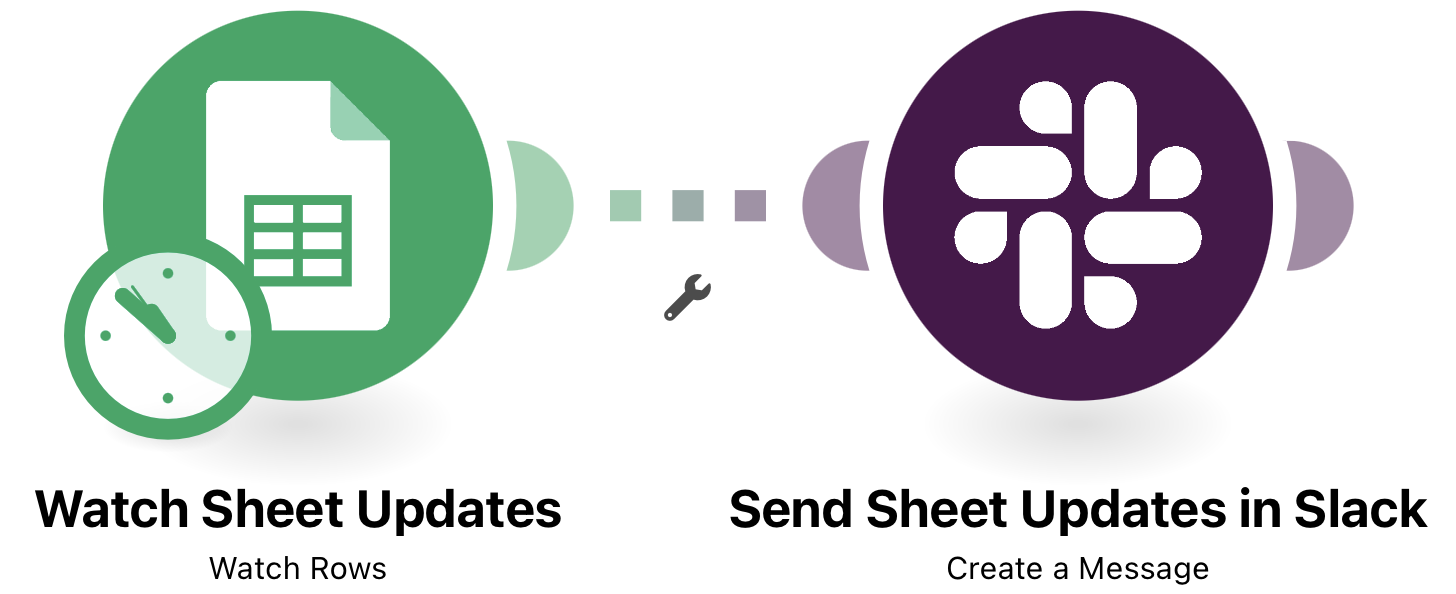
Example of an Action Flow snippet
Use case templates - these are end-to-end automation workflows that can serve stand-alone automation. Use Case templates are great if you want to save time on crafting your custom Action Flow and want to focus on the output of your automation. For more use case templates, see Use case templates.
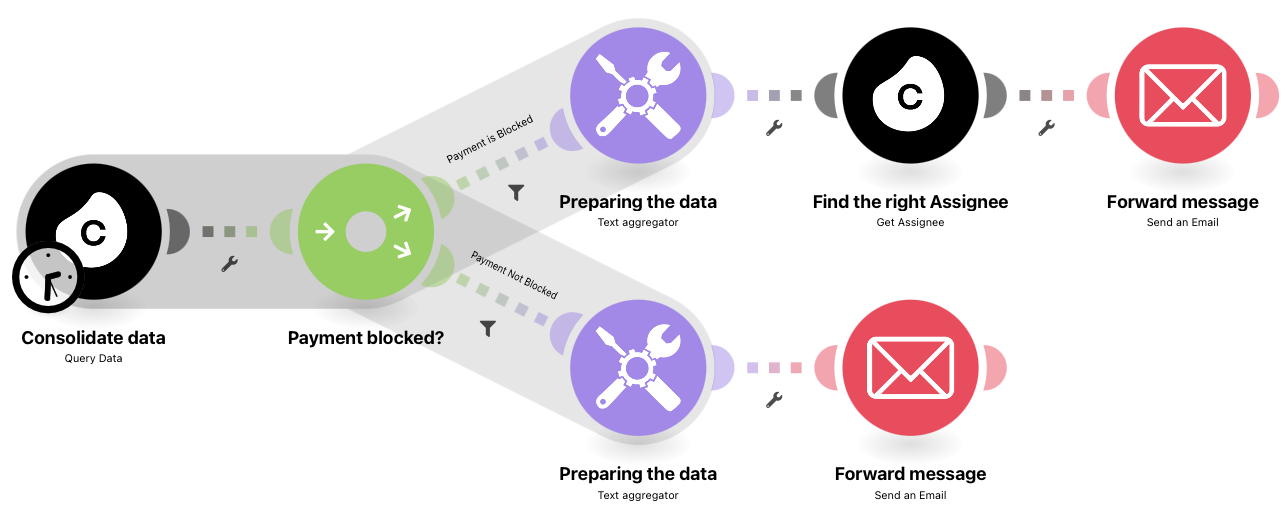
Example of a use case template for route communication.
Related topics: