List Form Group Submission (Action Flow)
The List Form Submission Action Flow module allows you to retrieve data from Form group submissions. The module generates the submissions data in a JSON format, which includes all information captured in your forms.
To configure this Action Flow module:
In Studio, go to your package and click New asset > Action Flow.
Click Add module and from the list select Celonis > List Form Group Submissions.
Select from existing OAuth 2.0 connections, or create a new one. See Registering your OAuth client.
Provide the following values:
Value
Description
Form Group ID
An identifier generated as an output from the "Create a Public Form Link" module.
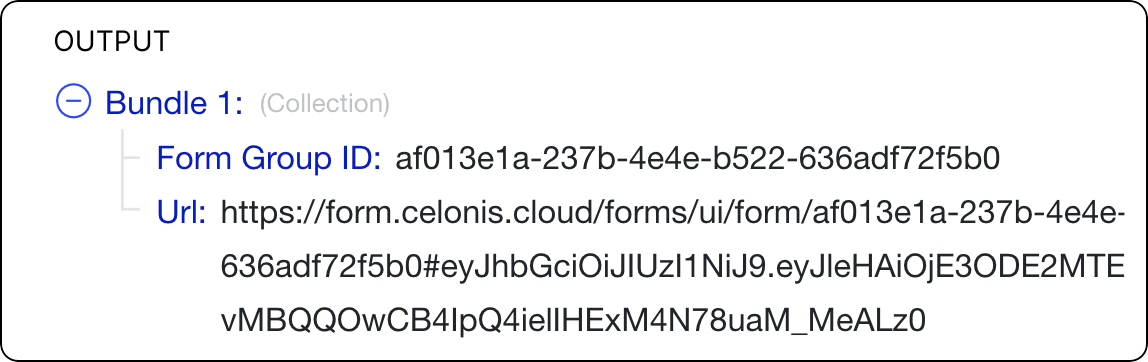
This ID allows you to group related forms together, list their submissions, and fetch specific information that can be written back to a table.
Sort order
Limit
Set a limit for the maximum number of returned results.
Click Save.
To make the Action Flow operational, version and deploy the package the module is in. See Versioning and deploying packages.
Your Action Flow module is ready for use. Click Run once to generate the JSON file that includes the output of all Form submissions in the specified Form Group ID.