Create permalink to a process
Via the Main Content toolbar, you can generate links to processes.
 |
These links never expire, and allow users outside your organization to view processes you've modeled in Celonis Process Management. You can link to a specific process, a version of a process, or a process object (for example, a task).
Before you begin, ensure you have completed the following steps or meet the requirements listed below:
You must have at least the Viewer role to generate permalinks
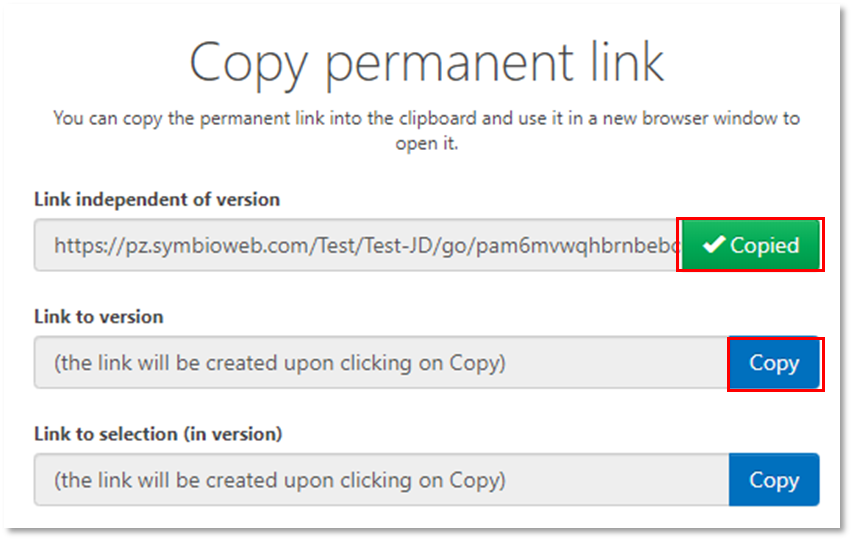
After clicking the link icon in the toolbar, the copy link modal will open.
Click Copy to generate the link. A green checkmark indicates that the link has been successfully copied to the clipboard.
 |