Logging in to Celonis Process Management
Access the Celonis Process Management (CPM) environment to model processes in the Designer or view published content in the Navigator using standard credentials or Single Sign-On (SSO).
Before logging in to CPM, you need:
Your organization-specific CPM URL.
Account credentials or an active corporate SSO session.
To access the CPM platform:
Navigate to your organization's unique CPM URL.
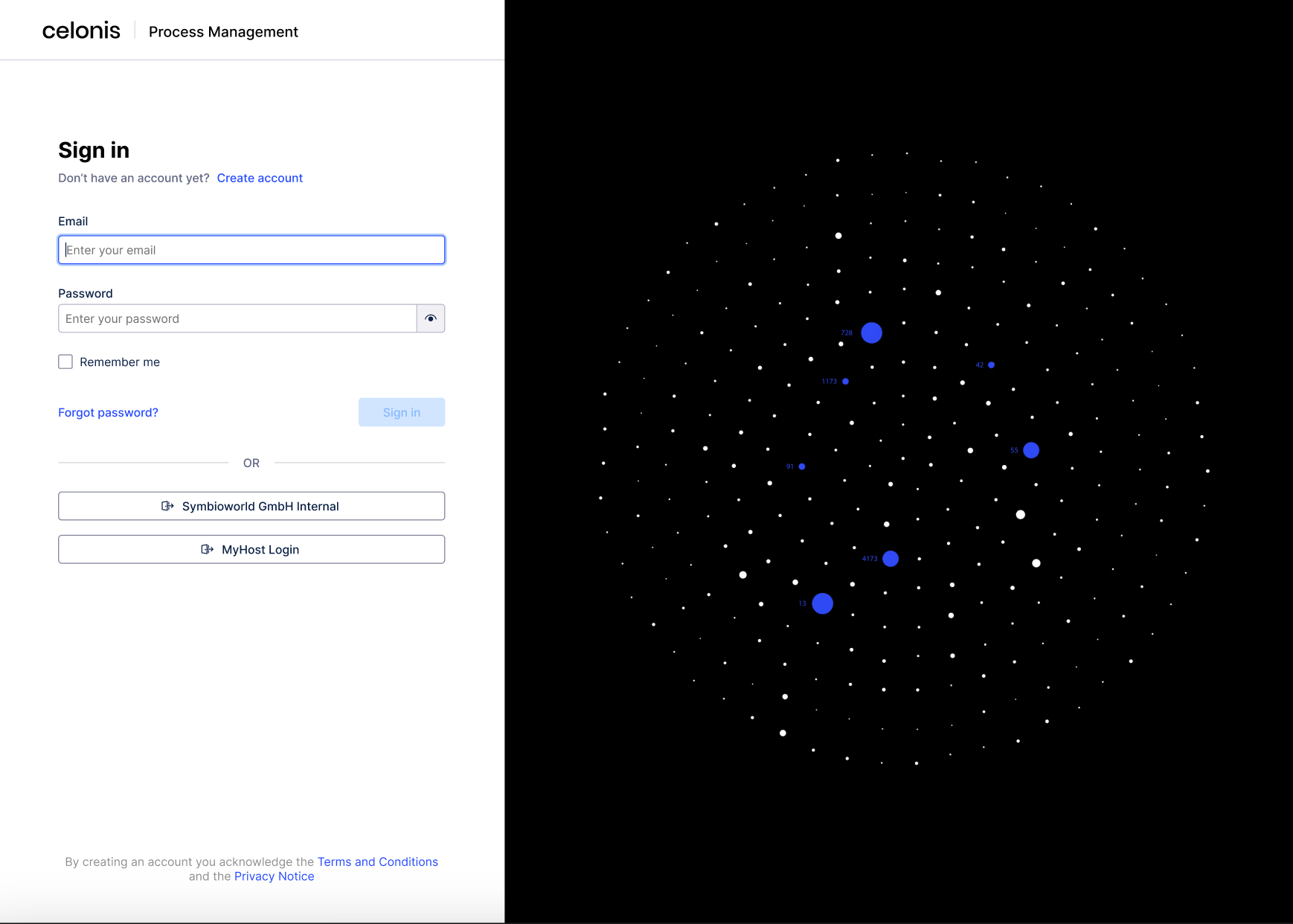
Select your authentication method:
Standard: Enter your Email and Password, then click Sign In.
SSO: Click the Corporate Login button to authenticate via your identity provider (e.g., Azure AD or Okta).
If prompted, select the Designer or Navigator workspace to enter the application.
Note
If your organization uses automatic SAML authentication, you will bypass the login screen and land directly on your default Dashboard.
 |