Platform Adoption Monitor app
Privacy and compliance
Before setup, ensure your local legislation and company policies permit the collection of individual login and application access data. Verify if you are required to pseudonymize this data before display. By default, the app pseudonymizes user email addresses to protect individual identifiers.
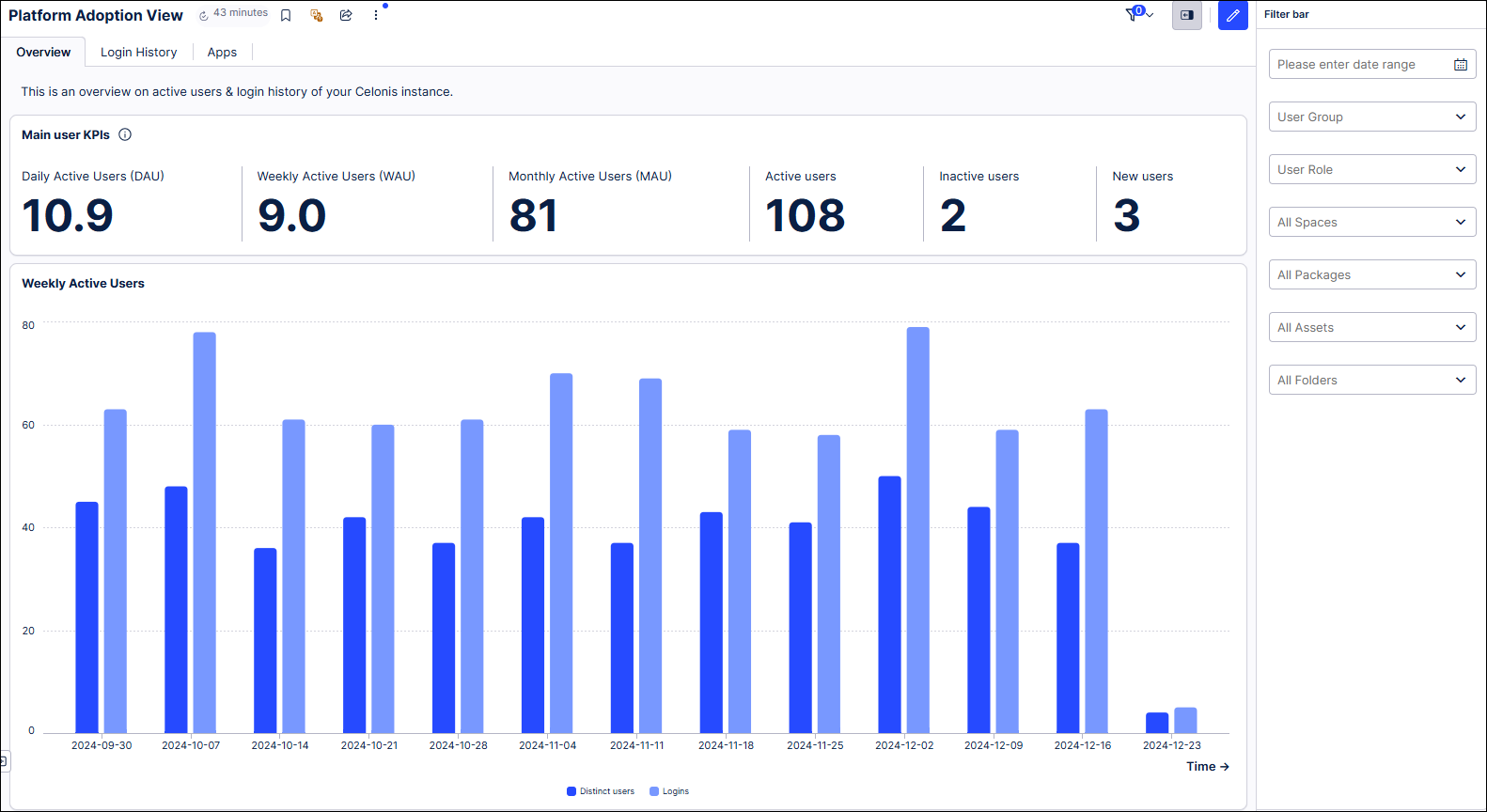
The Platform Adoption Monitor app provides deep insights into how your team uses Celonis by extracting data via public APIs every hour. It serves as an enhanced, more detailed replacement for the legacy platform adoption dashboard found in Admin & Settings.
Upgrading to the Platform Adoption Monitor app is recommended because it provides more granular usage statistics, broader access for non-admin users, and enhanced functionality within the modern Studio experience compared to the legacy dashboard.
With this app, you can track and analyze the following:
Login activity: Monitor login frequency with built-in privacy controls. The app pseudonymizes user identifiers by default and allows you to include or exclude Celonis employees from your data.
Studio app usage: See which Studio apps and objects business users are opening and how often. This doesn't track time spent in a View or specific tab clicks, however.
Package analysis: Track how often analysts access published Studio packages and specific assets. This excludes draft packages and areas outside of Studio/Apps (e.g., Task Mining or Action Flows).
Custom filtering: Slice your statistics by time period, user groups, roles, Studio spaces, packages, assets, or folders.
Flexible access control: Unlike the admin-only legacy dashboard, you can grant permission to any user in your team to view adoption statistics.
 |
Next steps
Follow these steps to integrate the Platform Adoption Monitor app into your environment:
Check requirements: Review the Prerequisites for the Platform Adoption Monitor app to ensure your environment is ready.
Install the App: Follow the Installation guide to deploy the app to your Studio space.