Open signup
View our security recommendations
Your team security and user provisioning settings may vary depending on your team size. Before setting up your team, we therefore recommend that you choose a coupling approach and relevant settings.
For more information, view our Celonis Platform security recommendations and best practice: Security recommendations
Available to Celonis Platform teams using either Public or Domain Restricted team privacy settings, open signup allows new users to join your team via a shared link. You can also choose whether new members are automatically assigned group permissions. We recommend reviewing this setting after you’ve configured your group permissions.
This feature may impact your Celonis Platform license
Enabling open signup for your Celonis Platform team can cause you to reach your licensed user/seat limit without proper monitoring, potentially leading to unexpected access issues or additional licensing costs.
To enable open signup for your team:
Click Admin & Settings - Settings.
Scroll down to the Access management and then click Enable open signup link.
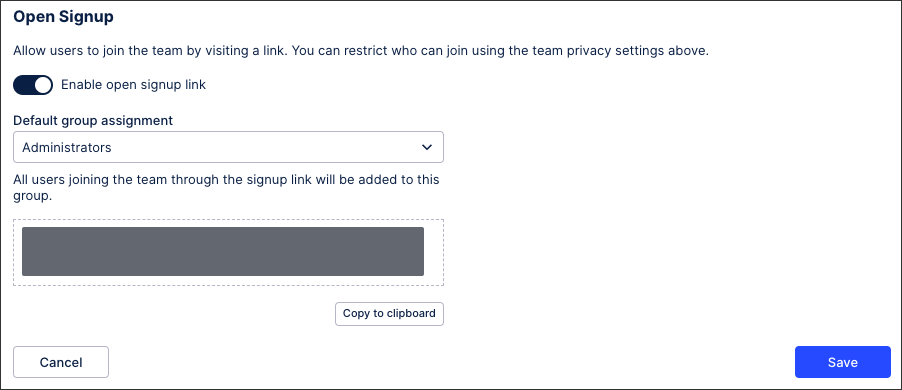
Choose the default group assignment. All users joining your Celonis Platform team using this signup link will be added to this group, giving them a defined set of permissions.
Copy the link to the clipboard. This link remains consistent, so it can be copied at a later time.
Click Save.