Submit Form Draft (Action Flow)
The Submit Form Draft Action Flow module allows you to create a draft version of a Form with pre-populated suggested responses before giving it to its recipients. By automatically pulling real-time data from your systems and placing it into a draft form, you can provide the recipient with all the necessary context they need to make a decision, provide an update, or grant an approval without requiring them to look up the information themselves or perform manual data entry.
For example, if a Purchase Order is missing a confirmation or facing a delay, you can use the module to automatically send the vendor a draft form pre-filled with the exact PO Number, Order Value, and Expected Delivery Date. You can set these pre-filled fields to be read-only so the vendor cannot alter the original order details, but leave fields like "New Planned Delivery Date" or "Comments" open for their input
If you need to clear a form after an initial submission or a user page reload, you can run the Submit Form Draft module again using the same Form Group ID and empty all the values to override the existing data.
Your Action Flow module requires an OAuth client to interact with Celonis Platform:
Make sure your OAuth client has the following scopes selected:
knowledge-models:read
knowledge-models:query
knowledge-models.augmented-attributes:update
orchestration-engine
For more information on how to create an OAuth client and add scopes to it, see, Registering your OAuth client.
Your OAuth client must have the Edit permission for the Package where your forms
To receive the values of your Form, the Submit Form Draft module needs to be preceded by the Create a Public Form Link in your Action Flow. See Create Public Form Link.
To configure this Action Flow module:
In Studio, go to your package and click New asset > Action Flow.
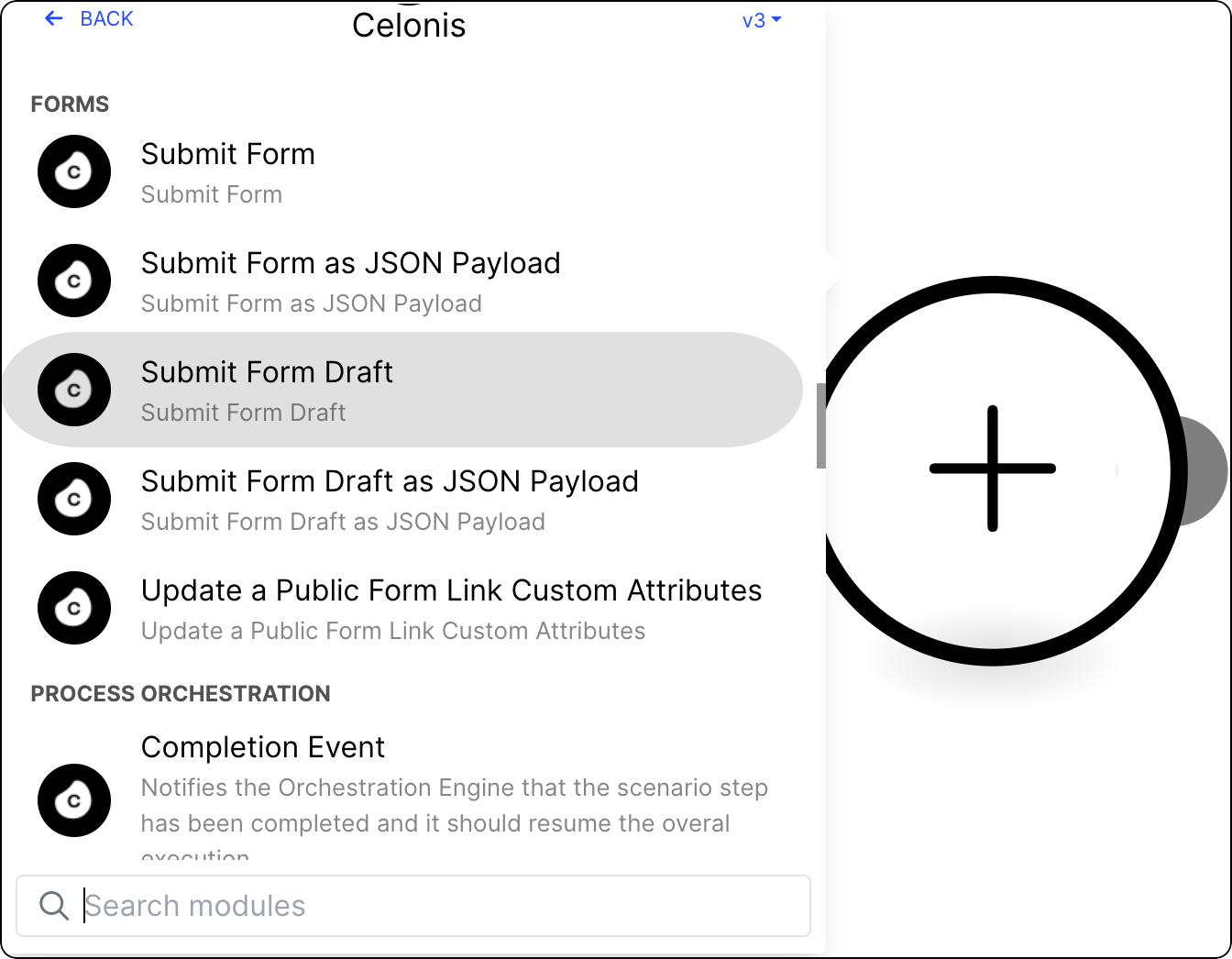
Click Add module and from the list select Celonis > Submit Form Draft.
Select from existing OAuth 2.0 connections, or create a new one. See Registering your OAuth client.
Provide the following values:
Value
Description
Form Group ID
An identifier generated as an output from the "Create a Public Form Link" module.
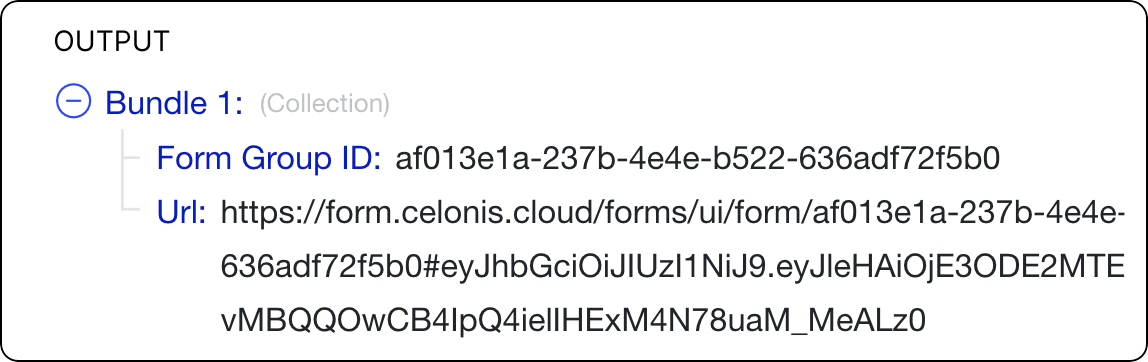
This ID allows you to group related forms together, list their submissions, and fetch specific information that can be written back to a table.
Other values that appear in this module are dynamically generated based on the Form for which you want to create the draft version.
Click Save.
To make the Action Flow operational, version and deploy the package the module is in. See Versioning and deploying packages.
Your Action Flow is ready to use. Run it to generate a shareable link to a Form draft.