Downloading application key report
Important
We’re gradually moving from API/Application keys to OAuth 2.0. We recommend that you use OAuth 2.0 or move to OAuth 2.0 for use cases and Celonis API endpoints where OAuth 2.0 is already supported. See Using OAuth 2.0 to find out about OAuth 2.0 and the Celonis Platform and our Developer Center for more information on supported Celonis API endpoints.
As a Celonis Platform team administrator, you can download a report of the application key usage in your team. The data in the report gives you information on how many application keys exist in a given team, who and when each key was created, and what permissions are associated with them.
The CSV report file includes the following information:
application ID
application name
application type
created by
last used time
path
service name
object name
object ID
Actions
Click Admin & Settings > Applications.
In the applications overview screen, click Download.
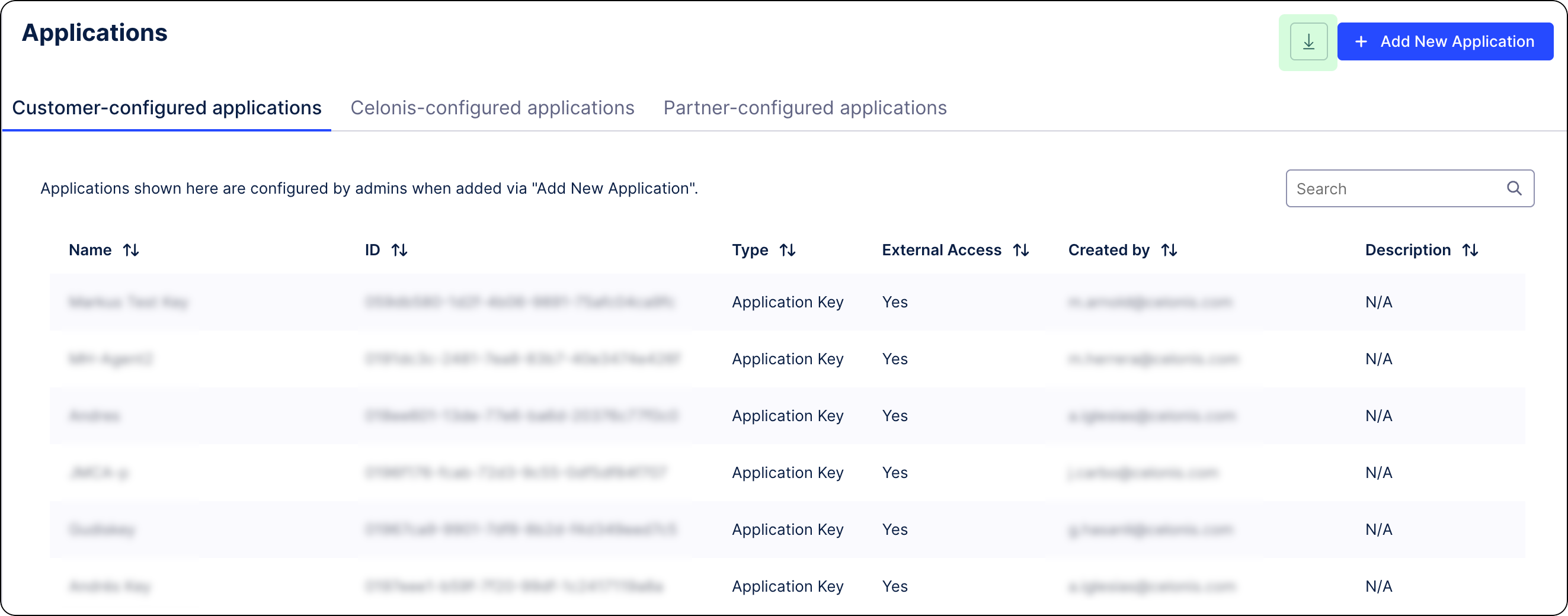
The CSV file with the application data report downloads.